Tanks!
Tanks
Description
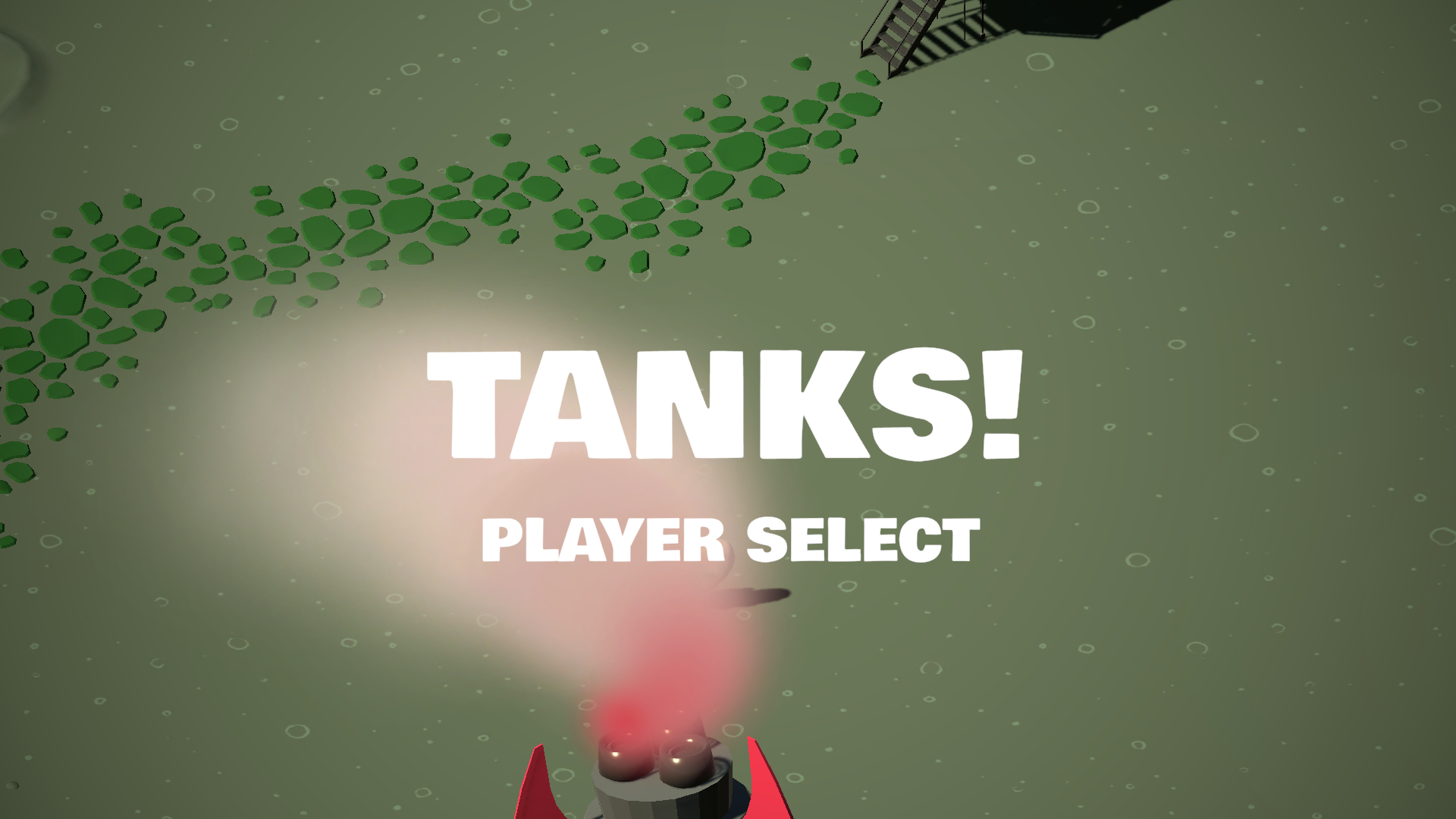
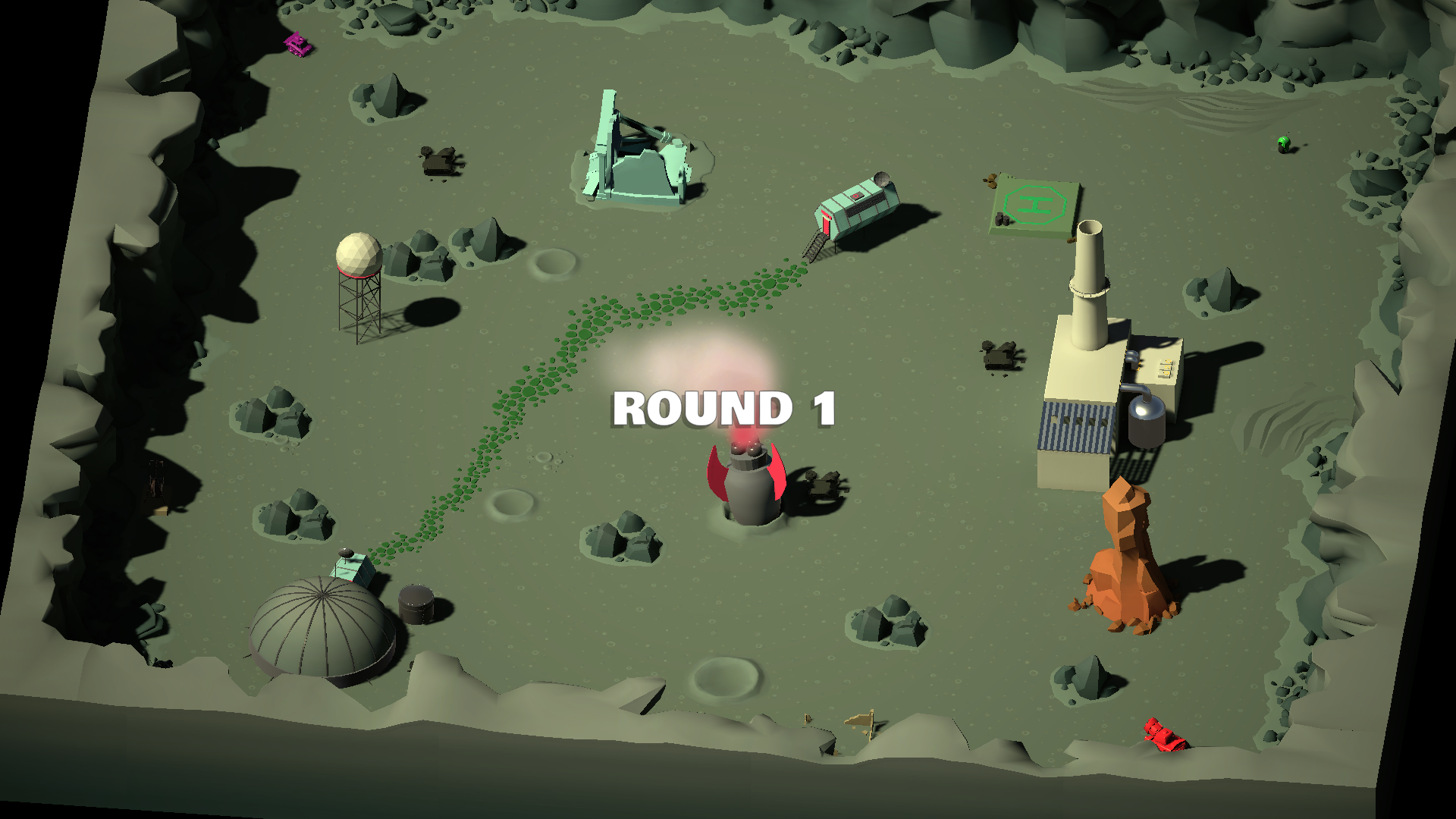
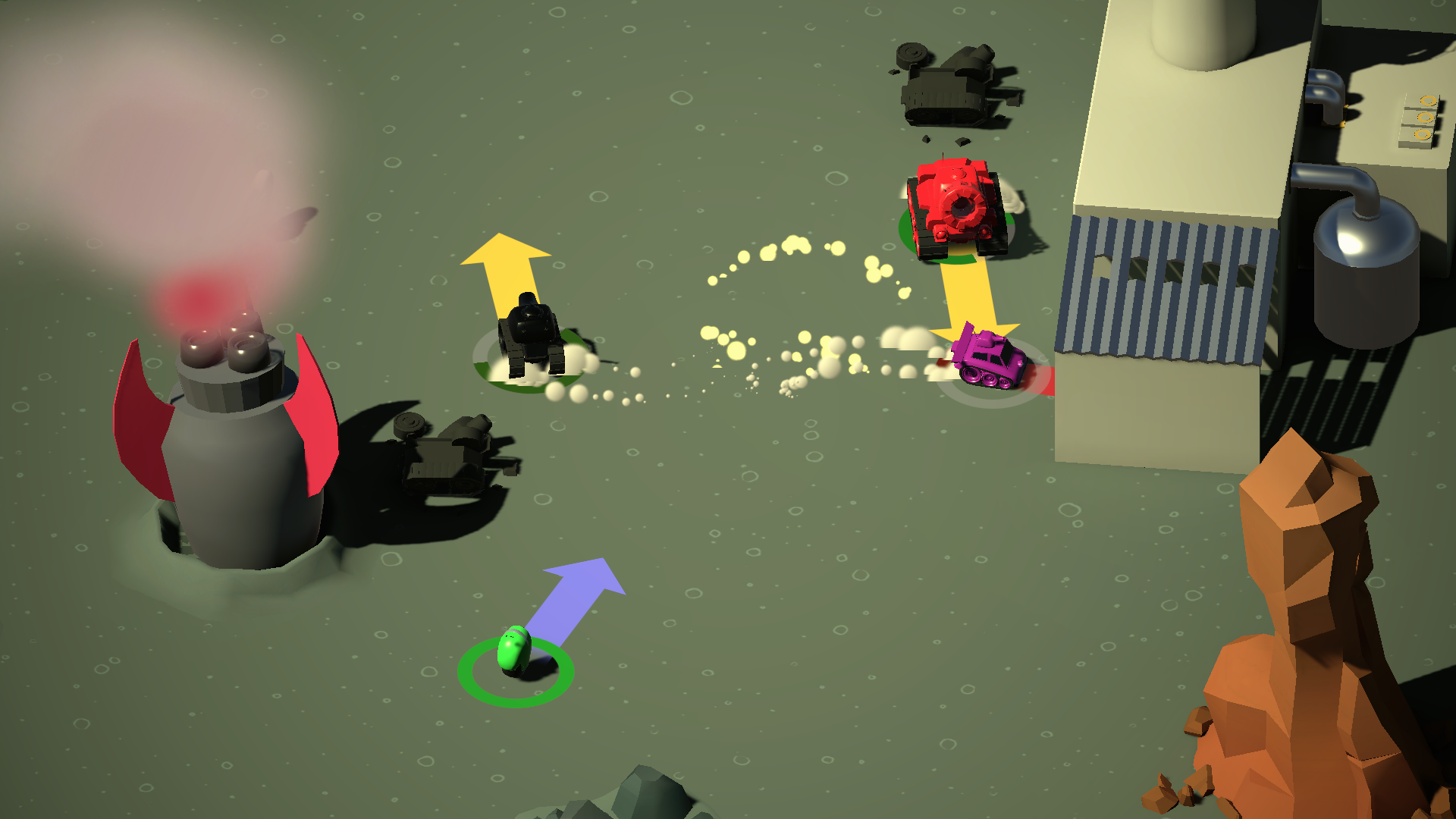
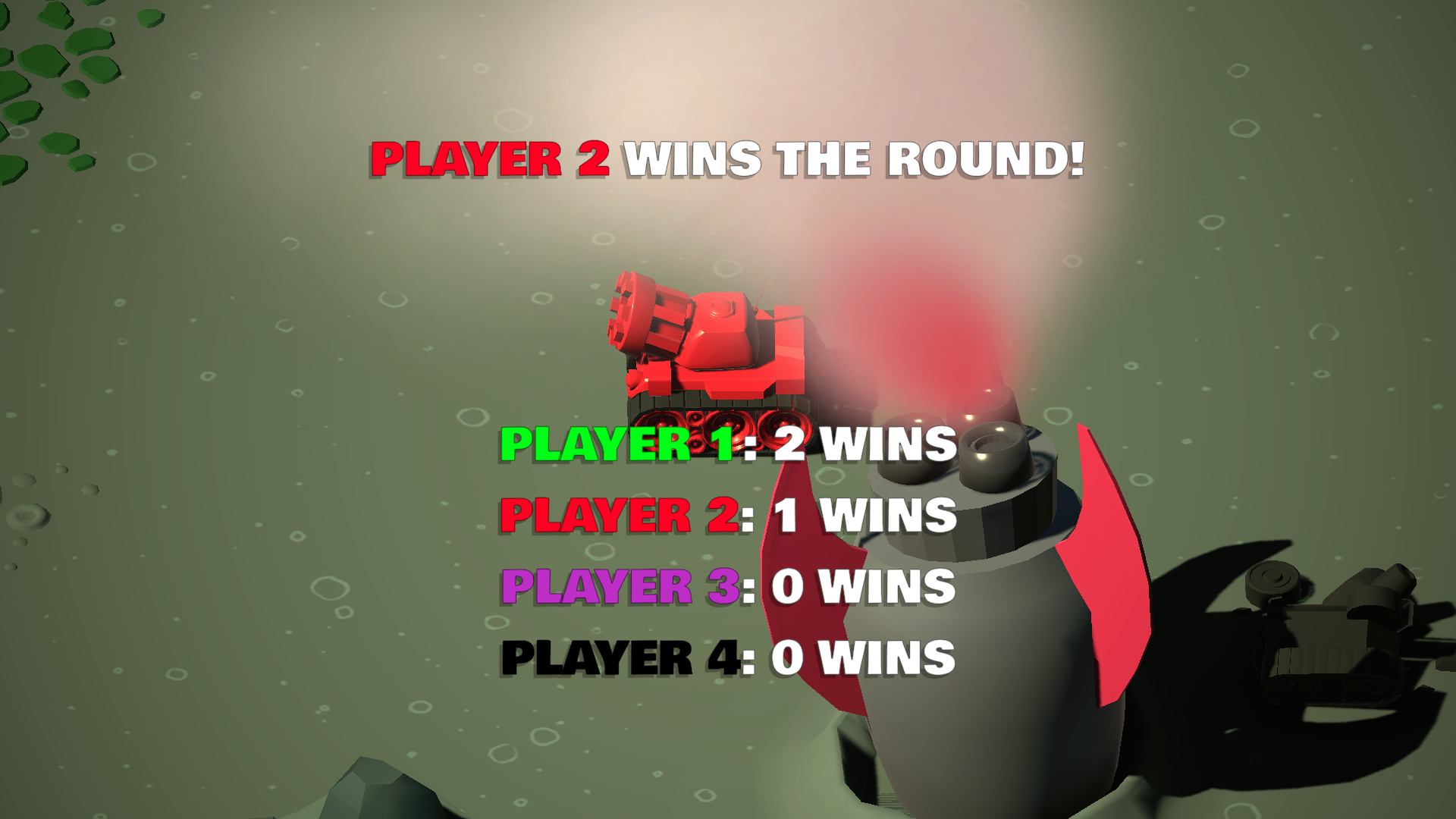
Tanks is a 3D top-down tank battle game built with Unity 6. Battle against AI-controlled enemy tanks, use strategy to survive, and be the last tank standing.
This project was created while learning Unity's 3D development workflow and demonstrates gameplay systems such as AI navigation, combat mechanics, UI, audio, and WebGL deployment.
Features
- 3D tank combat
- AI-controlled enemy tanks
- Projectile-based shooting
- Unity AI Navigation (NavMesh)
- Background music and sound effects
- Play directly in your browser (WebGL)
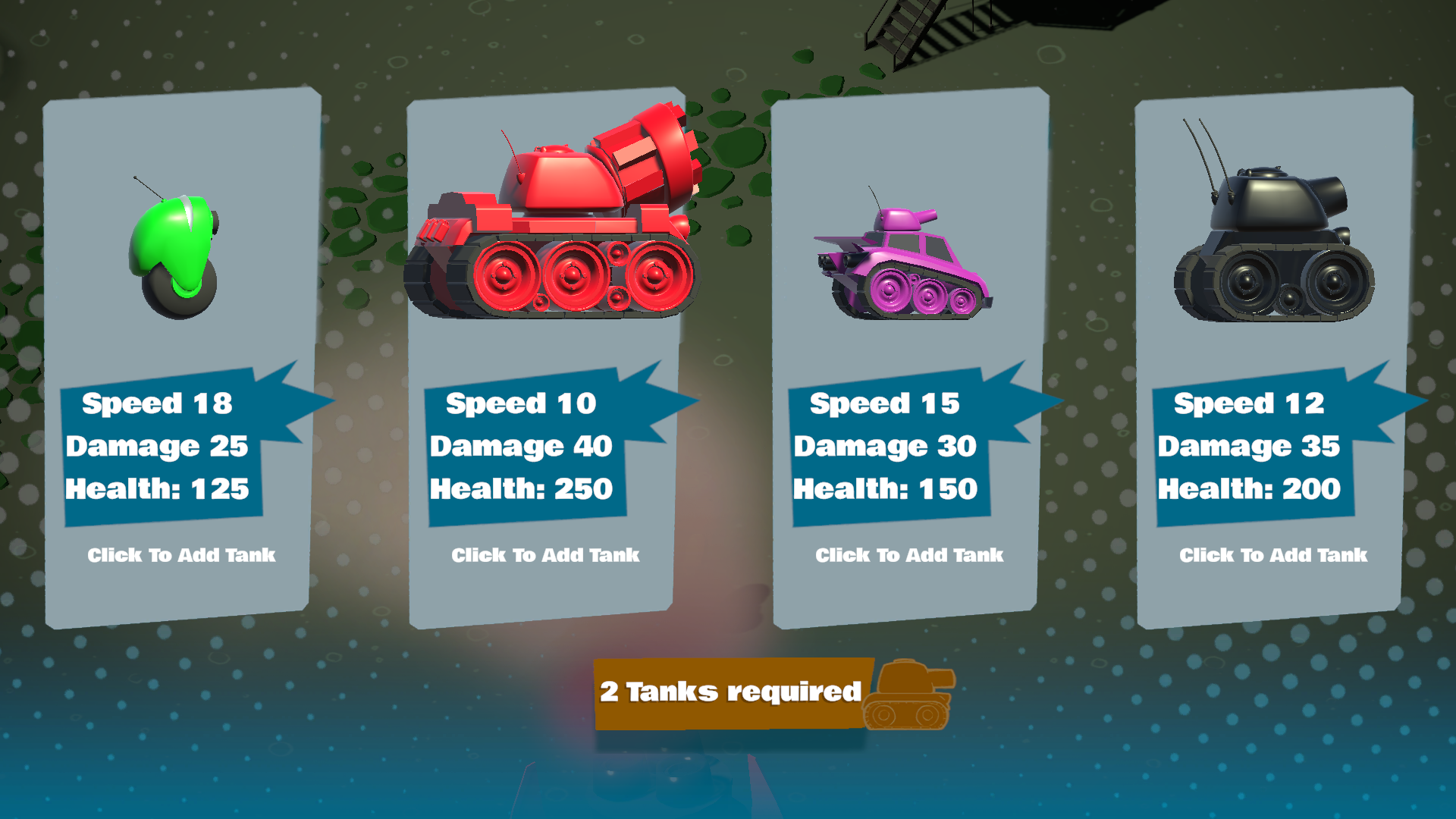
Note: On windows and browser enables 2 player PvP, when selecting the tanks make sure to select tanks with p1 and p2, and enjoy the game with your friend.
Note:
The WebGL version is intended for desktop browsers using keyboard and mouse.
For the best mobile experience, download the Android APK.
Tested on Windows and Android devices.
Controls
Desktop / WebGL
- WASD or Arrow Keys – Move
- Mouse – Aim
- Left Mouse Button – Shoot
- Esc – Pause (if enabled)
Android
- On-screen joystick – Move
- On-screen buttons – Aim and Shoot
Note: The WebGL version is designed for desktop browsers. Mobile touch controls are planned for the Android version.
Built With
- Unity 6
- Universal Render Pipeline (URP)
- Unity AI Navigation
- Unity Input System
Credits
- Developed by Cosmyth
- Built while learning from the Unity Learn – Tanks: Make a Battle Game for Web and Mobile course.
- Music and sound effects are used under their respective licenses.
Learning Project: This game was created as part of the Unity Learn "Tanks: Make a Battle Game for Web and Mobile" course and is included in my portfolio to demonstrate my Unity development skills.
Download
Install instructions
Download & Install
Windows
- Download the Windows version.
- Extract the
.zipfile. - Open the extracted folder.
- Double-click Tanks.exe to launch the game.
Note: Keep all files in the extracted folder together. Do not move Tanks.exe out of the folder, as it requires the accompanying data files to run.
Android
- Download the Android APK.
- Transfer it to your Android device if needed.
- Install the APK.
- If prompted, allow installation from unknown sources.
- Launch Tanks from your app drawer.
Note: The game is designed for touch controls on Android.
Web Version
- Click Run Game on this page to play instantly in your browser.
- No installation required.
Leave a comment
Log in with itch.io to leave a comment.